
Best Practices for Securing a School Campus: A Practical Guide
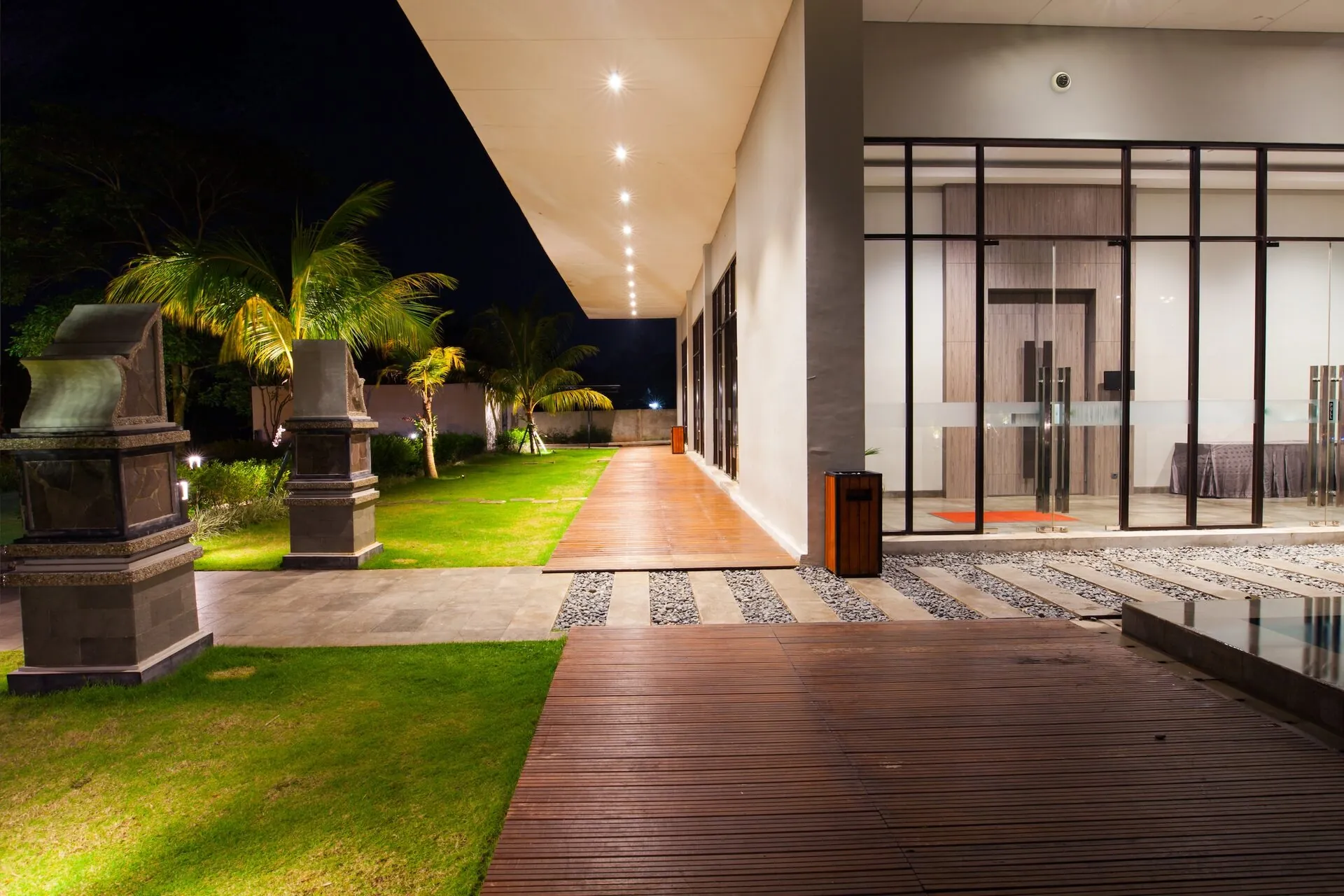
"School security requires balancing open learning environments with controlled access and emergency response capability. This guide covers cameras, access control, intercoms, and alarm systems for educational facilities."
Securing a school campus is fundamentally different from securing a commercial building. Schools are intentionally open, welcoming environments where hundreds or thousands of people move through daily — students, staff, parents, contractors, and visitors. The security challenge is controlling and documenting that access without creating an environment that feels like a lockdown.
This guide covers the core components of an effective school security program — not a list of products, but the underlying requirements and how technology addresses them.
The core requirements for school security
- Controlled perimeter access with a single point of visitor entry during school hours.
- Identity verification for visitors before they enter beyond the reception area.
- Real-time camera coverage of all exterior perimeter points and major interior corridors.
- Lockdown capability: the ability to secure all doors immediately from a central point.
- Alarm integration with direct law enforcement notification and clear staff protocols.
- After-hours monitoring for vandalism, break-ins, and unauthorized access.
For transportation beyond the campus, our school bus camera systems guide covers video retrieval, route information, retention and cost planning.
Start With Access Control: The Single Most Important Layer
The most effective school security investment is controlling who can enter the building — and when. During school hours, this typically means a single staffed entry point where all visitors are received, with all other exterior doors locked from the outside (but always openable from inside for emergency egress).
Modern cloud-based access control systems allow administrators to lock and unlock any door from a mobile app, execute a full campus lockdown in seconds, and maintain a time-stamped log of every access event at every door. Staff typically use keycards or mobile credentials; visitors go through a front office process.
Hardware cost reference: Per-door access control systems run $1,200–$2,800 per door for hardware and installation. A 20-door deployment (exterior doors, gym, library, server room) would typically be $24,000–$56,000 installed, plus $6,000–$12,000 per year in cloud licensing.
Camera Placement: Coverage vs. Privacy
Camera placement in a school must balance comprehensive coverage of security-relevant spaces with clear boundaries around areas where students have a reasonable expectation of privacy (washrooms, change rooms, counselling offices).
The areas that require coverage are: all exterior entry and exit points, parking lots, the main office reception area, gymnasiums and cafeterias, and any corridors serving as primary circulation routes. Secondary corridors are typically assessed on a site-by-site basis.
Cloud-based camera systems are particularly well-suited to school environments because footage retention, access controls (who can view footage), and alert configurations can be managed centrally by administration — without requiring an on-site server that could itself become a target.
Hardware cost reference: Indoor dome cameras run $2,558–$3,358 each installed; outdoor cameras with weather protection and IR run $3,000–$4,500. A 30-camera campus deployment would typically cost $75,000–$135,000 installed.
Intercoms: The Visitor Verification Layer
A video intercom at the main entry allows office staff to see and speak with a visitor before remotely unlocking the door. This is one of the highest-impact security layers for schools, because it closes the gap between "door is locked" and "person is actually verified."
Modern video intercoms integrate directly with the access control platform — staff can speak to a visitor through their computer, verify their identity, and unlock the door without leaving the office. The interaction is logged and, in most systems, recorded.
Hardware cost reference: A single intercom entry point with installation and first-year licensing runs $3,500–$5,500. Most school buildings need 2–4 intercom points (main entry, gymnasium access, secondary public entry).
Alarm Systems and Emergency Response
School alarm systems need to go beyond intrusion detection. They need to support active threat scenarios — lockdown protocols, silent panic alerts, and direct law enforcement notification with location information.
Modern cloud-based alarm platforms integrate with access control so that a lockdown can simultaneously lock all doors, silence bell systems, and send alerts to staff and emergency services. Staff panic buttons (physical or through a mobile app) can trigger the same response from anywhere on campus.
After-hours monitoring should include AI-powered motion detection configured to distinguish between an animal crossing the parking lot and a person approaching a door — significantly reducing false alarms and ensuring genuine alerts receive a genuine response.
Visitor Management: The Process Layer
Technology is only as effective as the process it supports. A video intercom doesn't help if the person answering doesn't verify identity before unlocking. Access control doesn't help if staff prop doors open.
A visitor management system — a kiosk or tablet at the main entry where visitors check in, scan ID, and are matched against registered sex offender databases — adds an important process layer. These systems also create a complete record of all visitors to the campus, which is frequently required for insurance and liability purposes.
Planning a School Security Project
School security projects typically happen in phases due to budget constraints. The most common phasing approach:
- Phase 1: Access control on all exterior doors + video intercom at main entry. This is the highest-impact layer.
- Phase 2: Camera system covering all perimeter points and main circulation areas.
- Phase 3: Alarm integration, visitor management system, and staff panic capabilities.
A CPTED (Crime Prevention Through Environmental Design) assessment is strongly recommended before any technology purchase. The assessment identifies environmental changes — lighting, landscaping, sightline improvements — that reduce risk without technology, allowing budget to focus on the layers where technology genuinely adds value.
We work with schools across Western Canada
Our clients include Rocky View Schools, St. Mary's University, and several independent schools. We understand the budget cycles, the stakeholder approval process, and the specific requirements of educational facilities.
Frequently Asked Questions
Access control on all exterior doors with a single staffed visitor entry point is the highest-impact layer. It controls who enters the building and provides immediate lockdown capability — the foundation that all other security technology builds on.