
Network Switches and Routing for Calgary Commercial Buildings: A Practical Guide
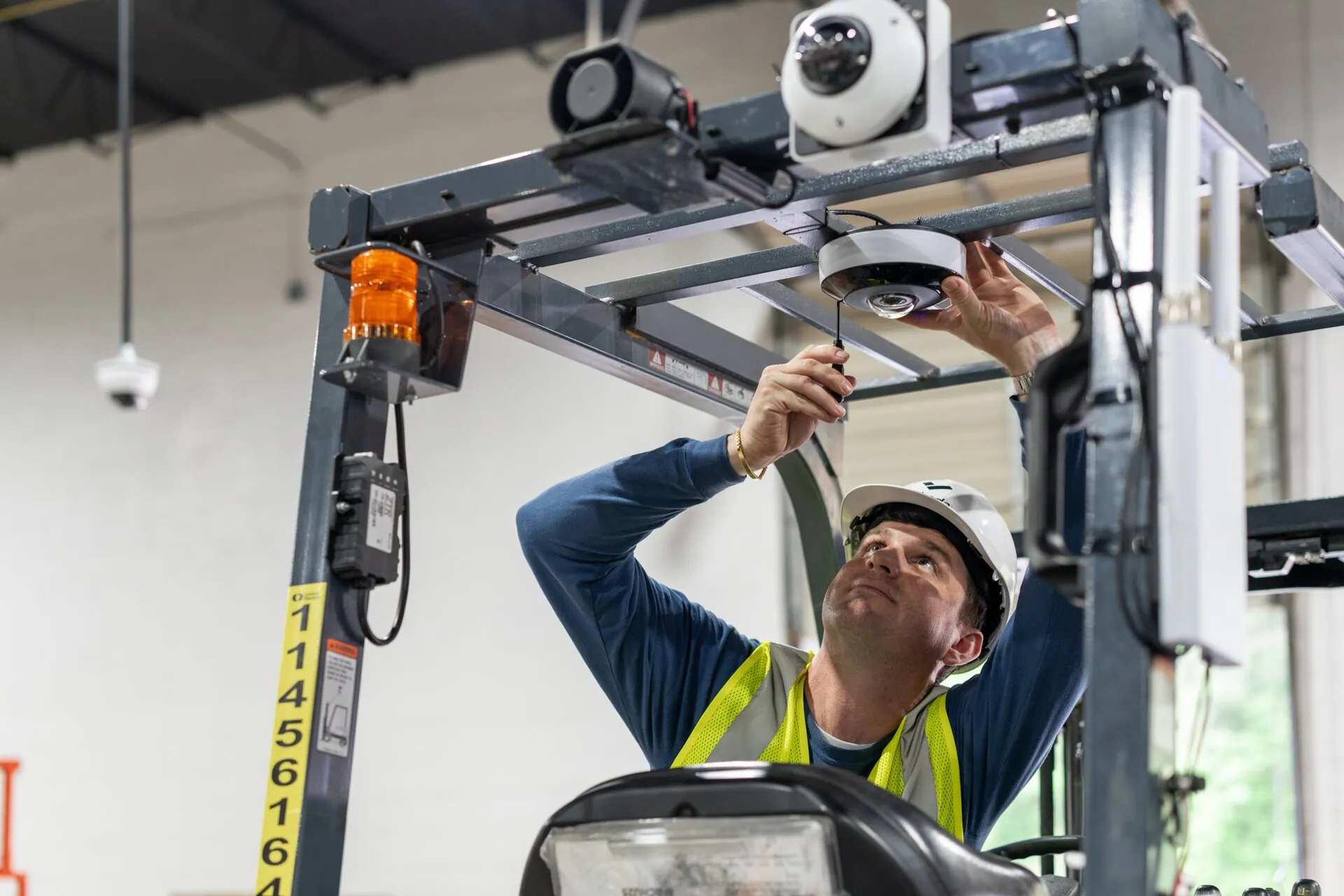
"The network switch is the heart of your building's infrastructure. Learn what Calgary businesses need to know about PoE, managed switches, VLANs, and proper rack design."
Most Calgary business owners know they need a network, but few understand what sits between their internet connection and their devices. The network switch - the hardware hub that connects every wired device in your building - is one of the most consequential technology decisions you'll make, and one of the least visible.
Getting switching infrastructure right from the start saves significant expense and disruption later. This guide covers what Calgary businesses need to understand before their next network project.
Key Takeaways
- Managed switches allow VLAN configuration, QoS prioritization, and centralized monitoring - unmanaged switches do not.
- PoE (Power over Ethernet) switches power IP cameras, access control readers, and Wi-Fi access points over the data cable.
- PoE+ (802.3at) and PoE++ (802.3bt) provide higher wattage for PTZ cameras, 802.11ax APs, and multi-port PoE devices.
- Uplink capacity between IDF and MDF switches determines whether your building can scale without bottlenecking.
- Proper rack design, labelling, and cable management reduce troubleshooting time significantly.
Managed vs. Unmanaged Switches
An unmanaged switch is a plug-and-play device - connect cables, everything communicates. For a home or very small office with a handful of devices, this works. For a Calgary commercial building with multiple device types, security systems, VoIP phones, and a mix of internal and guest traffic, an unmanaged switch offers no ability to separate or prioritize traffic, monitor port activity, or diagnose connectivity issues.
Managed switches provide VLAN support (keeping camera traffic, staff data, and guest Wi-Fi isolated from each other), Quality of Service (QoS) prioritization for VoIP and video conferencing, port-level monitoring, and remote management access. For any commercial installation, managed switches are not optional - they're the difference between a network and an infrastructure.
Power over Ethernet: Sizing It Right
PoE switches deliver both data and electrical power over standard Ethernet cable - eliminating separate power outlets and adapters for IP cameras, wireless access points, VoIP handsets, and access control readers. The critical specification is total PoE wattage budget.
Standard PoE (802.3af) delivers 15.4W per port. PoE+ (802.3at) delivers 30W. PoE++ (802.3bt) delivers up to 90W. Many modern Wi-Fi 6 access points and high-end PTZ cameras require PoE+ or higher. A switch specified with standard PoE that needs to power PoE+ devices will either reduce port wattage to compensate or fail to power devices entirely. Fortified engineers calculate total PoE load for every deployment to ensure the switch is properly specified.
VLAN Design for Security and Performance
VLANs (Virtual Local Area Networks) allow a single physical switch to operate as multiple logically separate networks. A properly designed VLAN architecture for a Calgary commercial building typically includes separate VLANs for corporate data, IP cameras and security systems, building automation and IoT, guest Wi-Fi, and management traffic.
This separation prevents a compromised IoT device from accessing corporate file servers, keeps camera traffic from competing with VoIP calls for bandwidth, and allows IT to apply different security policies to each traffic type. Without VLAN segmentation, all traffic shares the same network - creating both performance and security vulnerabilities.
MDF and IDF Architecture
Larger Calgary buildings typically use a hierarchical switching architecture: a Main Distribution Frame (MDF) in the main telecom room connects to Intermediate Distribution Frames (IDFs) on each floor or building wing. Each IDF contains a switch serving local devices, connected back to the MDF via higher-speed fibre uplinks.
The uplink capacity between IDF and MDF is critical for performance. Under-specified uplinks create bottlenecks that affect every device on that IDF's switch - resulting in slow network performance that's difficult to diagnose without understanding the architecture.
Planning for Future Growth
The most common switching mistake in Calgary commercial builds is specifying port counts for current needs without headroom for growth. Deploying a 24-port switch in a space that will add 10 more devices in 18 months means a premature replacement. Fortified's network designs include a growth buffer of 20–25% in port capacity, and document every port assignment to simplify future changes.
Contact Fortified Technologies to discuss network infrastructure design for your Calgary project, new build, or office renovation.
Frequently Asked Questions
An unmanaged switch is plug-and-play with no configuration capability. A managed switch allows VLAN configuration, QoS traffic prioritization, port-level monitoring, and remote management — capabilities that are essential for any commercial Calgary deployment.